No items found.
Back to BLOG
Keep Reading
See all
.jpg)
%201%20(1).jpg)

%201%20(1).jpg)
.jpg)
.png)
.jpg)
.png)
.png)

.png)
.png)





.png)
.png)
Replay
AI Agent Builds dbt Analytics Schema in 30 Minutes
.jpg)
Stay in the Fast Lane
News and product updates in Agentic AI for enterprise data teams.
Oops! Something went wrong while submitting the form.

Back to top
share
TL;DR
Genesis deploys fully autonomous AI data agents that execute complete data engineering projects end to end — not just copilot-style suggestions. Using a structured system called Blueprints, a single engineer can run a full dbt project across nine phases, with human input required only once, and receive production-ready models, documentation, and deployment in 34 minutes.
Most AI tools for data engineering stop at the copilot layer. They answer questions, suggest code, and autocomplete SQL queries. Useful — but not transformative. Genesis takes a different approach to autonomous data engineering: instead of assisting an engineer, it deploys a team of AI agents capable of completing long-running data engineering projects from requirements to production, with minimal human intervention.
What Is Autonomous Data Engineering?
Autonomous data engineering is the practice of delegating full data pipeline projects — including source exploration, transformation logic, model generation, documentation, and deployment — to AI agents that operate independently within a data warehouse environment. Unlike copilot tools that require constant engineer input, autonomous agents complete multi-phase projects and surface results when the work is done.
According to Gartner's 2025 Magic Quadrant for Data Integration Tools, the volume of enterprise data engineering work continues to outpace team capacity at most organizations. The gap between what data teams are asked to deliver and what they can realistically ship in a sprint is the core problem autonomous agents are designed to close.
Genesis Data Agents run natively inside Snowflake as a Snowflake Native App, operating entirely within an organization's existing data warehouse environment — no new infrastructure, no parallel systems to maintain.
What Are Blueprints?
Blueprints are the mechanism Genesis uses to turn agent autonomy into repeatable, structured work.
A Blueprint is a predefined project template that maps every phase an agent must execute to complete a specific type of data engineering task — from initial data exploration through to a fully documented, deployment-ready result. Each Blueprint encodes the sequence of tasks, decision points, and outputs required for that particular job type. Genesis ships with a library of Blueprints covering a wide range of use cases, including dbt pipeline development, ETL/ELT automation, medallion architecture builds, and data acquisition workflows.
A Mission is what happens when you run a Blueprint. You select a Blueprint, provide the context your environment requires — source schema, target structure, project goals — and the agents take it from there.
How a dbt Engineering Blueprint Works: A Real Example
Here is what autonomous data engineering looks like in practice.
A data engineering team has loaded sales data into their Snowflake warehouse. Business stakeholders need that data available for reporting — which means building an analytics schema and moving raw data through the transformation layers required to support end-user queries.
The engineer opens Genesis, navigates to the Blueprint library, selects Data Engineering, and launches the dbt Engineering Blueprint. This Blueprint is specifically designed to create an entire dbt project, moving data through the medallion architecture phases — bronze, silver, and gold — to produce a reporting-ready schema. Genesis runs natively inside Snowflake as a Snowflake Native App, operating entirely within the team's existing warehouse environment.
The Blueprint runs across nine phases (Phase 0 through Phase 8):
1. Source exploration — agents inventory available tables and infer structure
2. Staging layer — raw source data mapped to a consistent format
3. Intermediate transformation — business logic applied across tables
4. Mart layer — final models built for reporting consumption
5. Documentation — human-readable docs generated alongside every model
6. Testing — data quality checks written and applied
7. Deployment — agents push the completed project to the warehouse
Human input was required exactly once: at the start, to provide project context. After that, the agents executed all nine phases autonomously.
Total time to complete: 34 minutes.
For context, a comparable dbt project built manually by a team typically spans multiple days — involving schema alignment meetings, iterative model reviews, documentation sprints, and manual deployment steps.
What the Agents Actually Produce
At the end of the Mission, the output includes:
- A complete set of dbt models structured across the medallion architecture
- All associated dbt project files ready for version control and deployment
- Human-readable documentation generated in parallel with the code
- A deployment-ready project that agents can push to the warehouse directly
Every step the agent took is available for review via Genesis's replay functionality. Engineers can walk through the complete execution history, inspect every decision the agent made, and understand exactly how the output was produced. Full replay documentation is available at docs.genesiscomputing.com. This auditability is critical for enterprise environments where data governance and pipeline lineage matter.
Why This Matters: The Capacity Problem in Data Engineering
IDC's 2025 research on data engineering productivity found that data engineers spend approximately 60% of their time on repetitive pipeline maintenance and build tasks — work that follows well-defined patterns but requires sustained manual effort. That leaves less than half their available time for high-value work: architecture decisions, data modeling strategy, and AI development initiatives like Snowflake Cortex integrations.
Genesis collapses the repetitive 60% into a single Mission. The same work that occupied a team across a sprint now runs in the background in under an hour, with full documentation and a deployment-ready output at the end. For teams looking to scale output without scaling headcount, see how GrowthZone's four-person data engineering team handled 3–5x the migration volume using the same approach.
This is the practical case for agentic data engineering: not a smarter autocomplete, but agents that own the full project lifecycle from requirements to production.
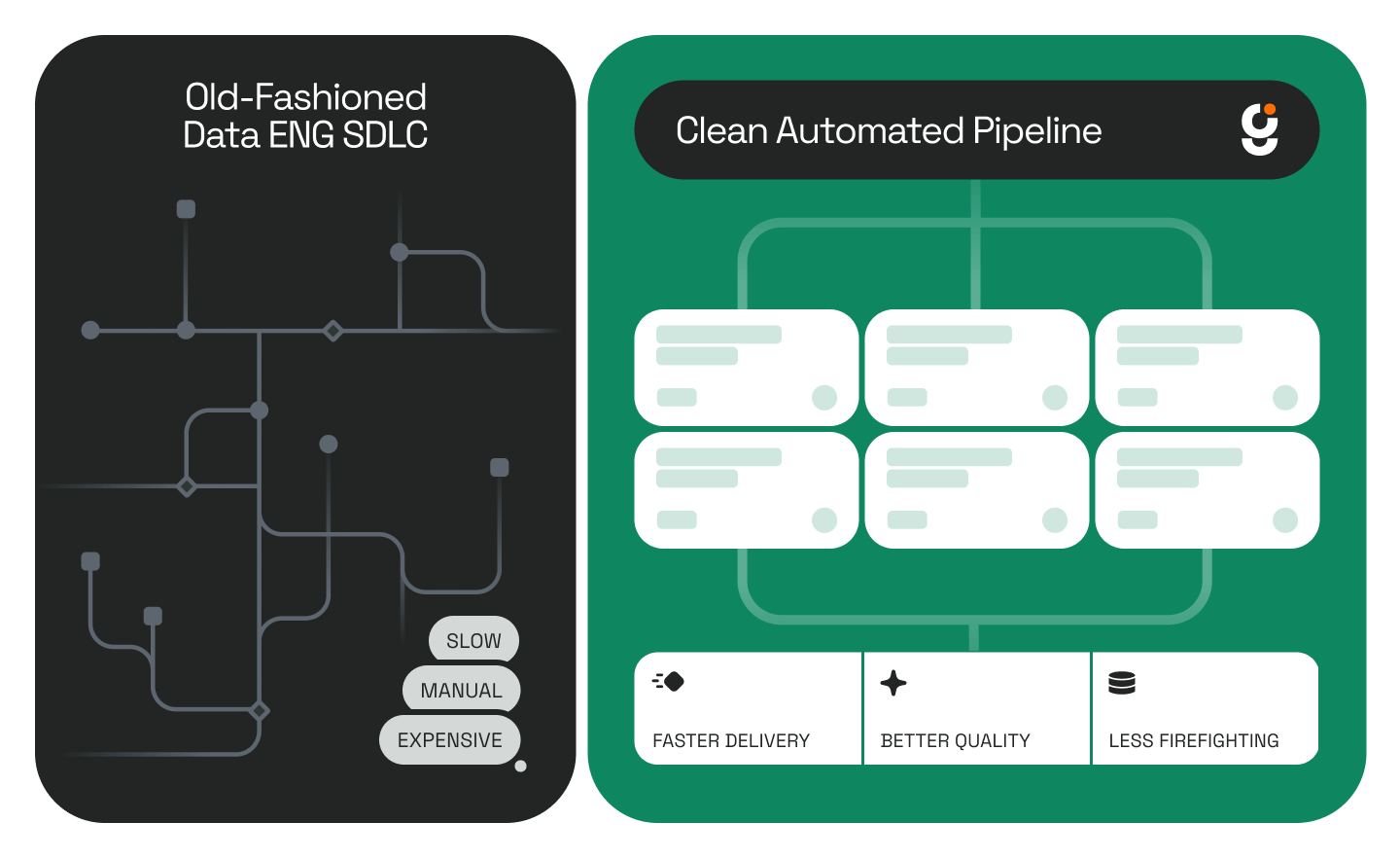
Blueprints vs. Traditional Pipeline Development
Getting Started with Genesis Blueprints
Genesis runs natively inside Snowflake via the Snowflake Marketplace. For teams on other infrastructure, Genesis also deploys on AWS, Azure, and Databricks — with no new infrastructure to provision in any environment.
For a deeper look at how Genesis handles the full development lifecycle across multiple pipeline types, see How Genesis Automates Data Pipeline Development in Hours.
Ready to see a Blueprint run in your environment? Book a demo and watch Genesis agents build a real pipeline against your data..
Stay in the Fast Lane
News and product updates in Agentic AI for enterprise data teams.
Oops! Something went wrong while submitting the form.
Keep Reading
Stay Connected!
Discover the latest breakthroughs, insights, and company news. Join our community to be the first to learn what’s coming next.
.png)