Back to Videos
Keep Watching
See all
.png)
.jpg)
.png)
.png)



.avif)
.png)
.png)


Replay
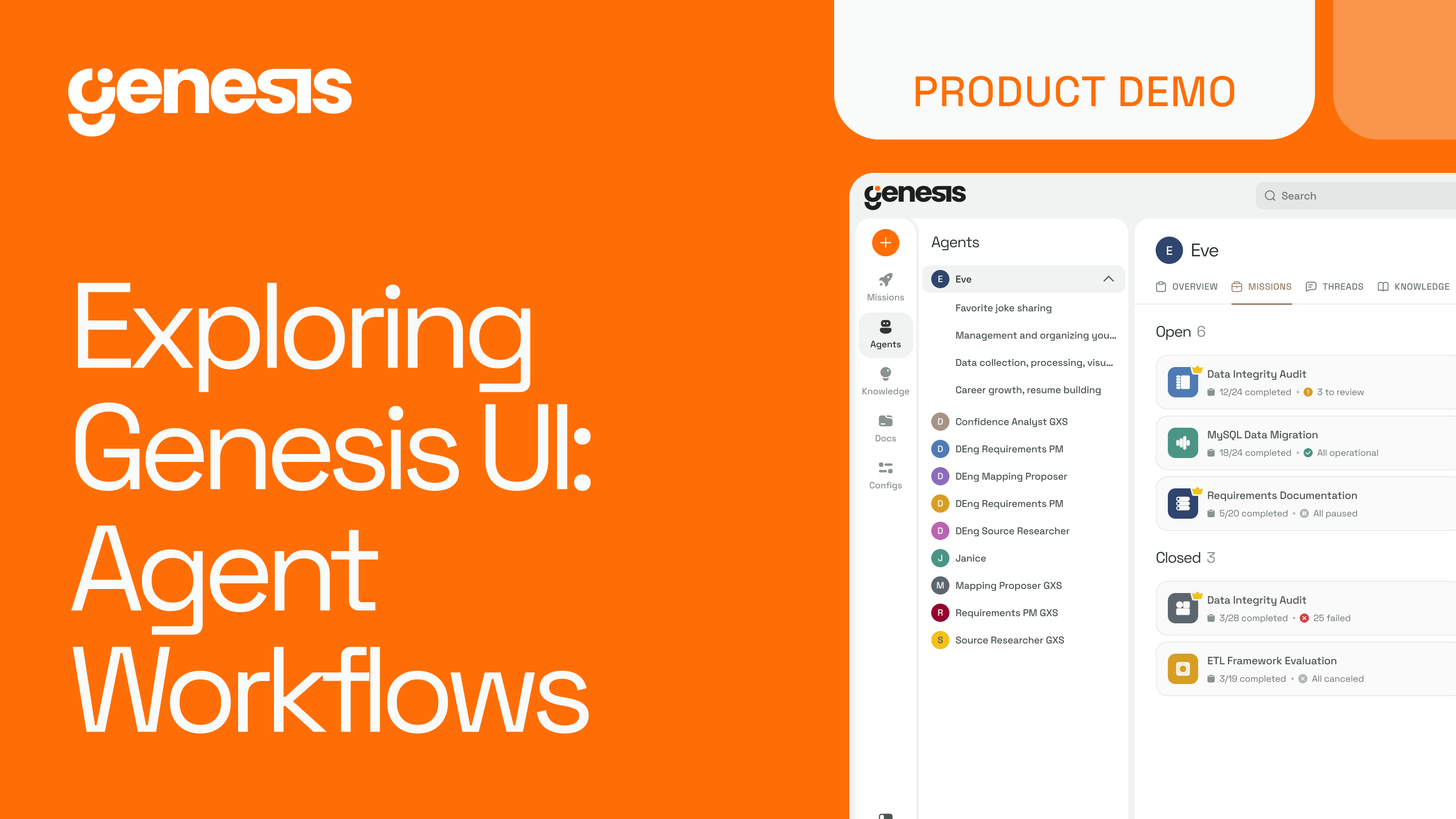
Exploring Genesis UI: Agents & Their Tool
Stay in the Fast Lane
News and product updates in Agentic AI for enterprise data teams.
Oops! Something went wrong while submitting the form.

How Genesis Agents Work
Agents are the core components of the Genesis platform. Each agent is designed for a specific role within the data lifecycle. Instead of giving one model broad control, Genesis assigns clear responsibilities to individual agents. This makes the system more reliable and easier to govern in enterprise environments.
In the Agent Center, you can view every agent in your environment along with its current status. Opening an agent shows two important elements: the tools it can use and the instructions that guide how it works. The toolset defines what actions the agent is allowed to perform. The instruction set describes how it should make decisions, when it should ask for help, and how it evaluates success.
Keeping each agent focused is intentional. A limited, well-defined toolset helps the agent operate efficiently. A clear instruction set ensures that the work aligns with your standards. The result is predictable behavior and consistent outcomes, which is critical when automating data work that affects production systems.
Agents are also able to delegate. If a task requires deeper data modeling or transformation logic, a general-purpose agent can hand that work off to a more specialized one. This creates a coordinated system rather than a single large model attempting to do everything at once.
Benefits of this approach
- Work is completed in a consistent and governed way
- Pipelines and models are built to a repeatable standard
- Every action is traceable and understandable to your team
- Capacity increases without increasing staffing
Genesis agents function like a structured team of junior data engineers operating inside your environment. They follow your rules, use your platform tools, and help deliver more work, faster, without sacrificing control.
Summary
Genesis uses multiple specialized agents, each with a specific role in the data lifecycle. Every agent has a defined set of tools it can use and instructions that guide its decisions, ensuring predictable and consistent behavior. Agents stay focused, delegate tasks when needed, and work together like a coordinated team. This structure makes data workflows governed, repeatable, and traceable. Pipelines and models are built to a consistent standard, capacity increases without adding headcount, and work aligns with existing platform rules and enterprise requirements.
Stay in the Fast Lane
News and product updates in Agentic AI for enterprise data teams.
Oops! Something went wrong while submitting the form.
Keep Watching
Stay Connected!
Discover the latest breakthroughs, insights, and company news. Join our community to be the first to learn what’s coming next.
.png)